

TradingView for Forex: A Practical Review of the Charting Workhorse
TradingView has become the default charting layer for a large share of retail forex traders. Here is where it earns that position and where its limits show.
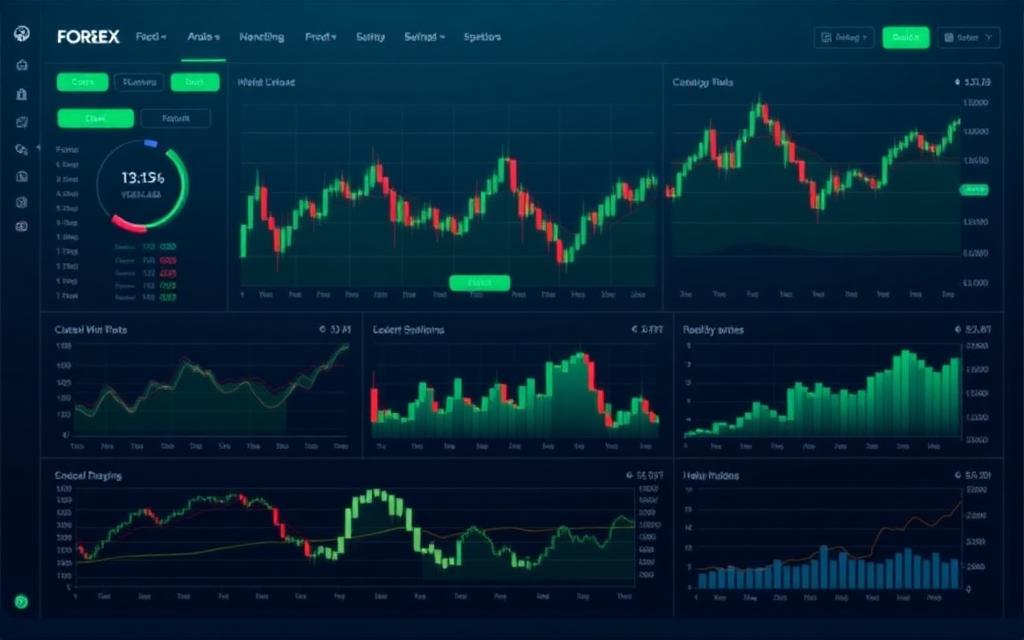
TradingView sits in front of a large share of retail forex traders, often regardless of which broker actually executes their orders. This review looks at what the platform does well for currency trading, and where a serious trader will still feel a ceiling.
What it gets right
The charting itself is the draw. Rendering is fast across timeframes, the drawing tools behave predictably, and switching symbols is instant. For a trader whose day is spent reading structure, that responsiveness compounds into real comfort.
- Alerts are reliable and reach you across devices, which removes the need to babysit a screen.
- The scripting language lets you build or borrow custom indicators without leaving the platform.
- Watchlists and multi-chart layouts make it easy to track a basket of pairs at once.
Where the limits show
Two things temper the picture. First, the data you see is TradingView's feed, not necessarily your broker's — close enough for analysis, but you should confirm levels against your execution platform before acting on a precise price. Second, the genuinely useful features (more alerts, more charts per layout, no session limits) sit behind the paid tiers, so the free plan is best treated as a trial rather than a permanent home.
- Confirm the symbol's feed matches your broker before trading a tight level.
- Map out which features you actually need before paying for a tier.
- Treat community scripts as a starting point, not a verified edge.
The verdict
As a charting and analysis layer, TradingView is hard to beat and easy to recommend. As an execution venue it is not the point — pair it with a broker you trust, keep your analysis here and your orders there, and it earns its place in the toolkit.
This review is for information and education only and is not financial or investment advice. It reflects the platform at the time of writing; verify current features and pricing directly with the provider.
- tradingview
- charting
- tools
- review
Related coverage
 ReviewReviews
Forex Trading Platform Usability Metrics
Forex Trading Platform Usability Metrics: a practical, no-hype guide for readers from Forextoolstrader Com.
 ReviewReviews
Reseña de T4Trade: Una mirada a sus opciones de trading y cuentas
T4Trade es un bróker sumamente versátil que otorga acceso a muchos mercados. Además de ofrecer varios tipos de cuentas acorde a tus necesidades, también dispone de la opción de copy trading de T4Trade y herramientas que harán que mejoren tus habilidades.
 ReviewReviews
AVIS XLENCE – Ce courtier sera-t’il un atout pour votre stratégie financière ?
J’ai passé en revue leur offre et tester leur plateforme Xlence WebTrader pour pouvoir vous donner un avis Xlence sérieux sur ce broker.